RNG RollAttacks Player Tools
Checklists and planners that keep rolls, quests, and badges on schedule.
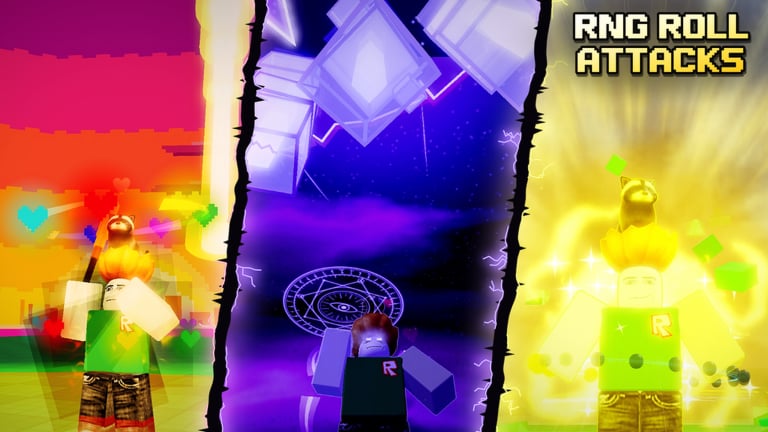
The Tools Hub turns wiki knowledge into session behavior for RNG RollAttacks. Guides teach systems; tools help you execute them tonight. Giggle Group Media’s battlegrounds loop—roll from 45+ attacks, fight up to 23 players, buy traits, clear quests, chase badges—rewards players who pick one goal per hour instead of doing everything poorly. These pages are text checklists you can keep open on a second monitor or phone. They are not executors, auto-farmers, or odds calculators with invented percentages.
Start from Getting Started if you are new, then return here before long grinds. Pair tools with How to Get Luck, Combat Basics, Named Attacks, Wither Storm, Tier List Hub, Players Hub, Codes, and Updates.
Tools in this hub
Badge Tracker
Checklist coverage for Storm Breaker, kill milestones 100 → 25,000, quest milestones 5 / 25 / 50 / 100, plus Owner Killer and Admin Killer reminder rows. Use it beside the strategy write-ups on Badges and Secret Badges.
Session Planner
A planning checklist for luck windows, quest timers, roll discipline, trait spending pauses, and clean shutdown steps. Stops the classic failure mode: burning money on cosmetics mid-panic, then wondering why rares never show.
What these tools intentionally omit
- Fake drop-rate calculators for Subaru, Supernova, Hakari, time-stop, or domain kits
- Script loadstrings or executor ads
- “Guaranteed Admin Killer” services
- Unverified code generators (see Codes—none confirmed late November 2026)
If a third-party site wraps a “RollAttacks tool” around a login form, close it and stay on the official place 119338513416973.
Suggested weekly loop
- Skim Updates for (UPD) notes.
- Pick one primary badge focus on Badge Tracker.
- Fill Session Planner with luck / quest / PvP blocks.
- Warm roles via Attack Tiers and Attack Index.
- Spend only on planned traits (Traits Tier).
- Optional passes—Faster roll 275, more money 250, Fast Quests 175—only if they match the plan.
- Log results; adjust tomorrow.
How tools connect to combat nights
Badge Tracker without PvP Meta becomes empty boxes. Session Planner without Combat Basics becomes a calendar of deaths. Open the matching guide when a checklist row stalls for more than two sessions. For boss rows, jump straight to Wither Storm rather than inventing a new plan in party chat.
Accessibility reminder
The Roblox listing warns about flashing images. If a tool night includes heavy VFX kits or Wither attempts, lower effects first. Tools should reduce stress, not add migraines.
Keeping lists honest after patches
When ability counts, shop tabs, or badge descriptions change, update your personal ticks and re-read the linked strategy pages. The Tools Hub stays valuable only while it mirrors live RNG RollAttacks. Use it as a cockpit: Badge Tracker for proof, Session Planner for time, wiki guides for skill.
Frequently Asked Questions
Quick answers to the most common questions.
Are these in-game tools or overlays?
No. They are wiki checklists and planners you use alongside the game. We do not ship executors or injected overlays.
Which tool should I open first?
Open Badge Tracker to pick a milestone, then Session Planner to schedule luck, quests, and PvP blocks for the night.
Do the tools include drop rates?
No. This wiki refuses invented odds. Use luck guides and short intentional roll bursts instead.
Can tools replace traits or gamepasses?
No. They organize your time. Permanent traits and optional passes still come from the live Shop when you choose to buy them.